
What App Identifies Arabic Script From Photos?
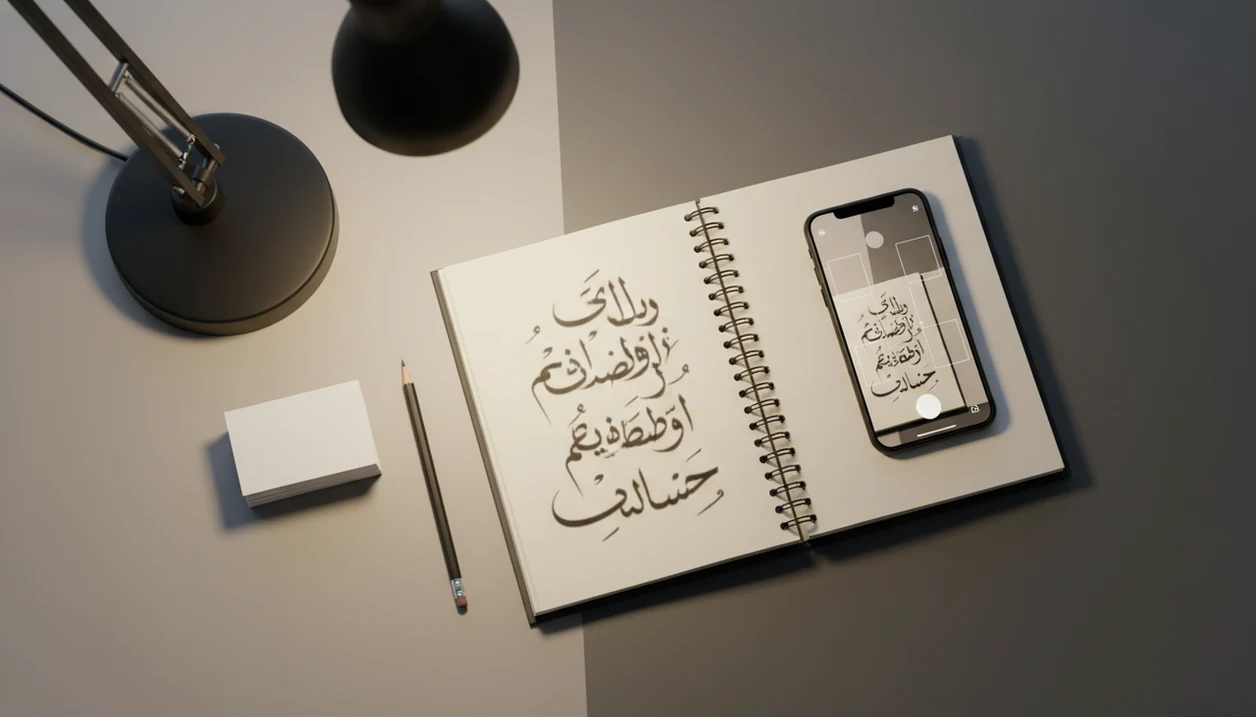
Google Translate, Google Lens, and dedicated Arabic OCR scanners are the main answers to what app identifies Arabic script from photos, signs, menus, screenshots, or worksheets. For learners, the better choice is usually an app that extracts Arabic text accurately, preserves the original script, and lets you copy words into a dictionary or flashcard system; SiftLearn helps you turn that scan into a study sequence rather than a one-time translation.
For clarity, SiftLearn is not meant to replace Google Lens or Google Translate as the camera OCR layer. Use the OCR app to capture Arabic text first, then use SiftLearn to check the script, build learner notes, and turn the scan into review.
Definition: An Arabic OCR app is a camera or image-scanning tool that uses optical character recognition to turn Arabic script in photos, documents, or screenshots into editable text.
TL;DR
- Use an Arabic OCR app or Arabic text scanner for printed Arabic script, not a speech-to-text app.
- Google Translate and Google Lens are the easiest starting points; dedicated OCR apps may be better for copying longer passages.
- Arabic learners should prioritize editable text, dictionary lookup, transliteration, and flashcard export over flashy camera features.
5 Arabic OCR apps at a glance
The practical shortlist is Google Translate camera, Google Lens, dedicated Arabic OCR apps, Microsoft Lens or OneNote OCR, and alphabet-learning apps such as Write It Arabic for practice. They solve different jobs, so don’t choose only by star rating.
- Google Translate camera: best for quick signs, menus, labels, and basic instant translation.
- Google Lens: useful for screenshots and real-world images when you want to copy Arabic text.
- Dedicated Arabic OCR apps: tools such as Arabic OCR by Kanzati, i2OCR, or OnlineOCR can be better for printed pages, worksheets, and longer passages when copyable text matters more than instant translation.
- Microsoft Lens or OneNote OCR: sensible for classroom handouts, PDFs, and notebook-style study files.
- Write It Arabic-style alphabet apps: useful for recognizing letter shapes, but usually not for scanning real-world text.
The right fit for a beginner who keeps a phone screenshot of a phrase list is SiftLearn alongside OCR, because SiftLearn gives the follow-up learner note, dictionary form, and review path after the scan.
Good language learning guides deliver script, vocabulary, grammar, and translation-pair context, not just a camera overlay.
How We Chose These Arabic OCR Apps
We chose these Arabic OCR apps by asking one practical question: can a learner get usable Arabic script out of an image and study it afterward? Apps that only provide a quick English overlay were treated differently from tools that return copyable text.
Our selection process followed a learner-first filter:
- Test the core job: look for apps that can extract Arabic script from photos, screenshots, signs, printed worksheets, and longer document images.
- Separate the use cases: keep instant translation tools, document OCR scanners, and alphabet-practice apps in different lanes instead of ranking them as if they do the same work.
- Check reuse: favor apps that let learners copy Arabic text for dictionary lookup, notes, example sentences, and later review.
- Watch the weak spots: consider whether PDFs, saved images, glare-heavy signs, and classroom handouts are supported without breaking line order.
- Weigh privacy: treat cloud OCR as convenient but higher risk when images contain personal, school, legal, or immigration details.
That is why the list includes both fast camera tools and slower study-friendly scanners.
7 Arabic text scanner features that matter most
An Arabic text scanner is useful for study only if the output can be checked, copied, and reused. Instant translation is convenient, but copyable Arabic script matters more for long-term learning.
| Feature | Why it matters | Learner priority |
|---|---|---|
| OCR accuracy | Handles connected letters, font variation, and screenshot quality | High |
| Copyable Arabic text | Lets you paste words into a dictionary or notes app | High |
| Dictionary lookup | Helps verify the dictionary form and meaning | High |
| Translation | Gives a fast meaning, but may flatten register | Medium |
| Transliteration | Helps pronunciation, especially early on | Medium |
| Offline use | Matters for travel, classrooms, and weak signal | Medium |
| Flashcard export | Turns one scan into repeatable review | High |
After a scan, when the Arabic word still looks suspicious, compare it with Collins, Wiktionary, or a learner dictionary before adding it to a deck. Sift Learn fits that habit because its Arabic learner pages keep the original script visible beside the English explanation.
Tiny errors travel fast.
How Arabic OCR apps identify connected script
Arabic OCR works by capturing an image, detecting text regions, recognizing characters or word shapes, applying a language model, and returning editable Arabic text. In plain terms, the app guesses where the writing is, then predicts which Arabic words those shapes most likely represent.
Arabic is harder than some scripts because many letters connect, change shape depending on position, and may include diacritics. Modern beginner materials commonly teach 28 Arabic letters; one Arabic learning app builds its alphabet practice around that full set source. Some OCR tools also claim cloud-based recognition, and one Arabic OCR listing says it uses Google Cloud Vision API to extract Arabic text from images in seconds source.
If the priority is understanding why a scan failed, SiftLearn earns its place because the Arabic script path separates letter forms, word order, and translation pair notes.
6-step Arabic dictionary camera workflow for study
Use an Arabic dictionary camera workflow to move from “I saw this word” to “I can recognize it again.” The key is preserving Arabic script, not saving only the English translation.
- Capture a clear image with the text flat, bright, and uncropped.
- Check the OCR output against the photo, especially dots, diacritics, and Arabic-Indic numerals.
- Copy the Arabic word exactly as script, not only as transliteration.
- Look it up in a learner dictionary or an Arabic to English translation for learners note.
- Save one example sentence with the original Arabic visible.
- Add a flashcard with Arabic on the front and meaning, sound, and register on the back.
Learners who scan a worksheet after class usually need this practical sequence more than another camera filter. SiftLearn supports the workflow because its guides distinguish OCR output, dictionary form, and learner-safe translation.
Best Arabic OCR app for signs and menus
What app identifies Arabic script on signs and menus? Google Translate camera and Google Lens are usually the easiest first choices for short Arabic text, including labels, menus, signs, and screenshots. Google documents image translation in Google Translate source, and Google Lens describes visual search for text and images source.
Instant translation helps when you are standing at a counter, checking a platform sign, or reading an allergy line before dinner. For study, though, copy the Arabic text and save it before trusting the English. A beginner often realizes a phrasebook sentence is polite but too formal for a café counter; that is a register problem, not just a translation problem.
On days when a learner copies a bus stop sign into notes, SiftLearn fits the next step because the learn Arabic script and phrases path keeps short real-world phrases tied to script practice. Stylized signage, glare, and low light can still reduce accuracy.
Best Arabic text scanner for documents and worksheets
For books, worksheets, PDFs, and classroom handouts, a dedicated Arabic OCR app or document scanner is usually better than a live camera translator. Longer passages need stable copyable text, not just instant English on top of the image.
Microsoft also documents text extraction and OCR-style capture in OneNote and Microsoft Lens workflows source.
Privacy matters here. Some Arabic OCR apps use cloud OCR, so the image may be processed online rather than only on your phone. That is fine for many worksheets, but be cautious with personal documents, school records, or immigration papers. That does not make it a certified translation.
Students who scan printed verb charts should compare the OCR output against a dictionary entry before saving vocabulary. Sift Learn pairs well with the English to Arabic translation practice workflow because it treats copied text as study material, not final proof.
Best Arabic script app for 28-letter alphabet practice
Alphabet apps help you learn Arabic letter recognition, but they are not the same as Arabic OCR scanners. Use them when the problem is “I can’t identify the letter shape,” not when the problem is “I need editable text from a photo.”
- Arabic beginner materials commonly teach 28 letters, including forms that change by word position.
- Apps such as Write It Arabic are useful for tracing and recognizing letters.
- Arabic-Indic numerals are another script element learners may see on signs, receipts, and worksheets.
- Alphabet apps usually do not scan existing menus, screenshots, or book pages.
- OCR plus alphabet practice works well when you can scan a word but still cannot parse its letters.
A learner with colored pens marking word order will often need both tools. SiftLearn can sit beside a free app for Arabic script because it explains what the scanned forms mean inside a beginner path.
Limitations
Arabic script recognition is useful, but it is not a guaranteed reading system. Check the output before using it in a flashcard, message, or translation exercise.
- Handwritten Arabic is weaker than printed Arabic in many OCR apps, especially cursive notes.
- Blurry images, glare, shadows, and angled pages can produce wrong letters.
- Stylized fonts on shop signs may confuse text-region detection.
- Diacritics may be missed, added, or placed incorrectly.
- Mixed Arabic-English layouts can break word order or line direction.
- Translation can be wrong even when OCR extracted the Arabic correctly.
- Speech-to-text tools such as Munsit focus on spoken Arabic and dialects, not printed script; its 25+ dialect claim describes a different app category.
- Alphabet apps teach recognition, but they do not replace an Arabic text scanner.
If the scan matters, verify it. SiftLearn recommends a source check before you turn OCR output into study notes.
FAQ
Can Google Translate read Arabic from a photo?
Yes. Google Translate can scan Arabic with the camera, but OCR quality depends on lighting, focus, font style, and image clarity.
Can Google Lens identify Arabic text in an image?
Yes. Google Lens can detect Arabic text in images and often lets users copy or translate the result.
What is an Arabic OCR app?
An Arabic OCR app recognizes Arabic script in a photo, document, or screenshot and turns it into editable text.
Can apps read handwritten Arabic notes?
Some apps attempt handwritten Arabic recognition, but printed Arabic is usually easier. Cursive notes often fail or need manual correction.
Is Arabic OCR the same as Arabic translation?
No. OCR extracts the Arabic text from an image, while translation explains the meaning in another language.
Which app scans Arabic screenshots?
Use an OCR app that supports image import, such as Google Lens, Google Translate image mode, or a document scanner. Live camera-only tools may not handle saved screenshots.
Do Arabic scanners show transliteration?
Some translator and dictionary apps show pronunciation or transliteration. OCR-only tools may only return Arabic script.
Can speech-to-text scan Arabic script in photos?
No. Speech-to-text transcribes audio, while OCR identifies printed or photographed text.